Loading Models
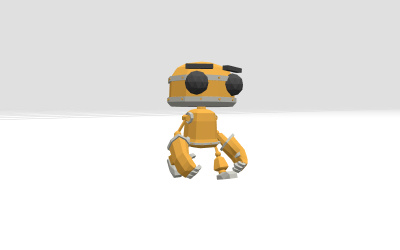
GTLFLoader
Whenever I create a three.js scene, I always try to optimize it the best I can, so it loads faster and so it isn't heavy. I use pre-made models all the time, instead of making shapes. There are plenty of websites that have models that you can download, or you can create your own model using a program like blender.
What I've found to be the smallest file size models are .gltf and .glb. You must have the .gltf/.glb files in your project.. Here's how to use it (using a build tool):
import { GLTFLoader } from 'three/examples/jsm/loaders/GLTFLoader.js';

const loader = new GLTFLoader();
loader.load(
    '/models/scene.gltf', // path to your file
    (gltf) => {
        model = gltf.scene;
        scene.add(gltf.scene);
    },
    (xhr) => {
        console.log(`${(xhr.loaded / xhr.total) * 100}% loaded`);
    },
    (error) => {
        console.error('An error occurred loading the model', error);
    },
);

return () = {
    if (model) {
        scene.remove(model);
    }
}
Here are some examples (in production):
const loader = new GLTFLoader();

loader.load(
    '/threejayess/models/computerman.glb',
    (gltf: GLTF) => {
        const model = gltf.scene;
        this.model = model;
        model.scale.multiplyScalar(0.2);

        this.add(model);
    },
    undefined,
    (error) => {
        console.error('Error loading enemy model:', error);
    },
);

loader.load('/threejayess/models/gunner.glb', (gltf: GLTF) => {
    const model = gltf.scene;
    this.model = model;
    // align model so its base sits at the object's origin (terrain level)
    model.position.set(0, 0.2, 0);
    model.scale.multiplyScalar(0.8);

    this.add(model);
});